
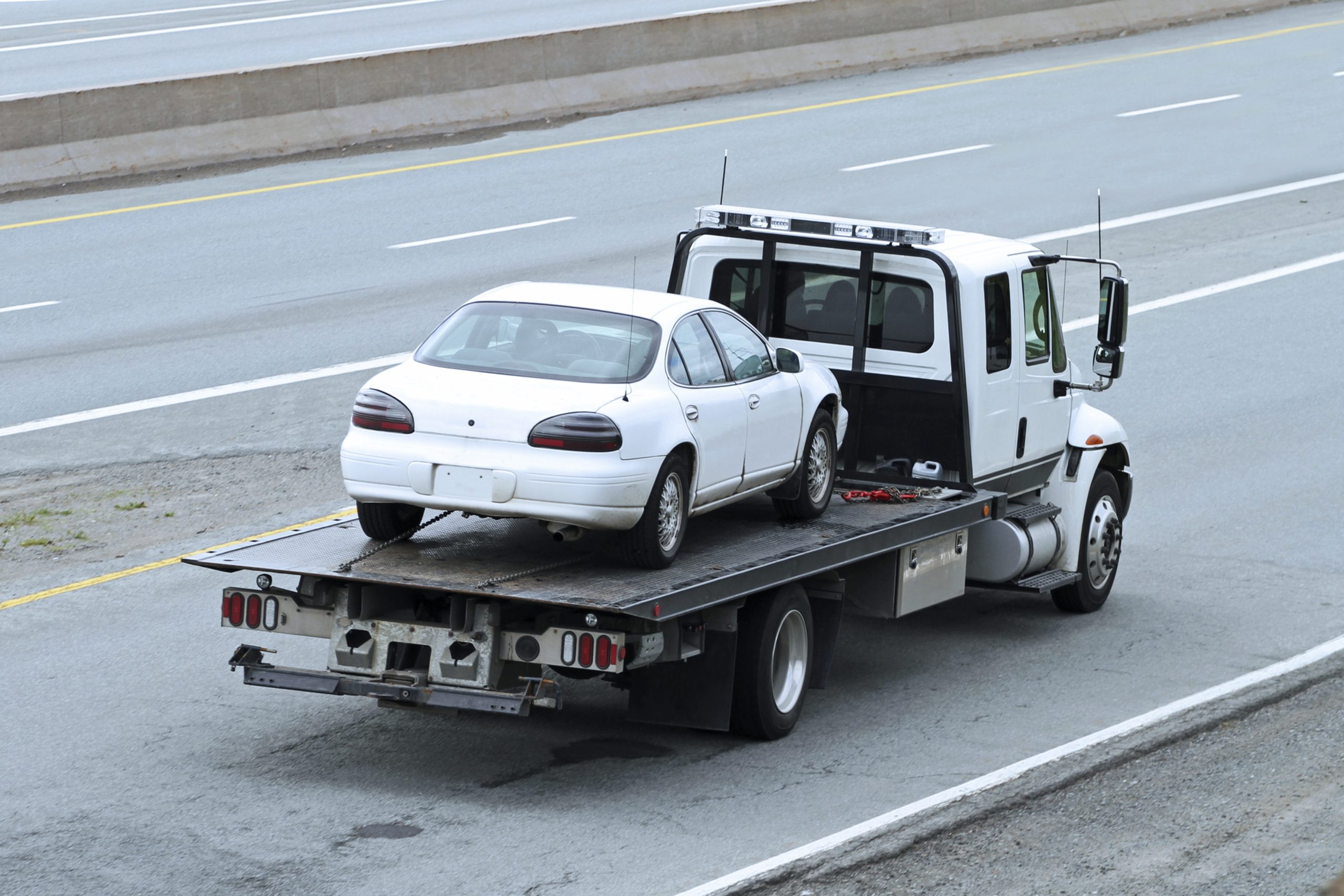
Running a car removal business involves much more than collecting unwanted vehicles. Every day brings new enquiries, vehicle details to check, quotes to prepare, pickup locations to organise and drivers to assign.
When those tasks live in phone calls, spreadsheets, paper forms and separate apps, it’s hard to keep everything organised. Details get lost between the phone and the diary, and staff spend time chasing information instead of completing jobs.
Car removal booking software gives you one place to capture each enquiry, record the vehicle and pickup details, and turn an accepted quote into a scheduled job, without retyping the same information at each step.
This guide explains what car removal booking software does, why it matters, and what to look for when you compare systems.
Why Does Car Removal Booking Software Matter?
A car removal business can receive many collection requests in a single day. Each customer describes the car, its condition, its location and their preferred pickup time in a different way, and some leave out details you need.
Keeping track of all that by hand creates avoidable work. Someone takes a call and jots notes on paper, then later types them into a spreadsheet, then relays them to a driver. Every handover is a chance for a mistake: a wrong street number, a missing gate code, a car listed as running when it isn’t.
Car removal booking software records the details once, when the customer first enquires, and lets the job move through each stage from there. Everyone works from the same record, so the office and the driver see the same information.
It also makes it easier to see at a glance:
- Which pickups are scheduled
- Which jobs are still awaiting confirmation
- Where each vehicle needs to be collected
- Which driver has been assigned
- Which jobs are complete and which still need attention
For a small operation, that saves time. For a growing one, it’s the difference between coordinating from memory and coordinating from a reliable list.
From Enquiry to Confirmed Booking
The first stage of any job is an enquiry. The customer provides a registration number, make and model, location and condition. Staff assess the request, give a quote and agree on a collection time.
With a booking system, those details are captured as part of the booking process. The enquiry is entered into structured fields instead of free-form notes, which means nothing important gets skipped and every job is recorded the same way.
Once the customer accepts the quote, the enquiry becomes a confirmed booking. Staff don’t have to recreate the information in another system or ask the customer to repeat it. The same record carries through to scheduling and the pickup.
This is especially useful when enquiries arrive through several channels, such as phone calls, web forms and messages. Whatever the source, each one ends up as a booking in one place rather than scattered across inboxes and notebooks.
Keep Vehicle Details With the Booking
A booking holds more than a name and phone number. Useful fields include:
- Registration number
- Make and model
- Vehicle condition
- Pickup address and access notes
- Customer contact information
- Quote amount
- Preferred pickup time
- Assigned driver
- Job status
When these details stay attached to the booking, office and field teams see the same job record. A driver can check the access notes before arriving. A staff member answering a customer call can confirm the quote and pickup time without hunting through spreadsheets or old messages.
Structured records also help later. If a customer disputes a price or a pickup time, you can see exactly what was recorded and when, instead of relying on someone’s recollection.
Make Pickup Scheduling Easier
Scheduling is one of the hardest parts of running a car removal operation. Several vehicles may be waiting for collection while drivers work across different locations, and customers often want a specific time.
Without a central view, it’s hard to see the full workload. Individual calendars, notes and phone conversations don’t show you which driver is free, which jobs are close together, or which slot is already taken.
Car removal booking software lets teams organise scheduled pickups and assign jobs by availability. Staff work from one view of upcoming jobs, which makes it easier to:
- Avoid double-booking a driver or vehicle
- Group nearby pickups together
- Move a job when a customer changes their time
- See the day’s workload before it starts
This matters more as daily bookings grow. What works with five jobs a day tends to break at fifteen.
Use Maps to Plan Pickups
Cars are collected from homes, workplaces, repair shops and other properties, so location is central to every job. Distance and travel time affect how many pickups a driver can complete in a day, and they affect your costs.
When the pickup location is stored with the booking, staff can see where jobs are, estimate distance and travel time, and plan the day’s collections with better information. That’s more reliable than guessing from a street name.
Drivers benefit too. When job and location details are attached to the booking, they can find the address and read any notes without ringing the office for every detail. That means fewer interruptions for staff and fewer wrong turns for drivers.
Check Vehicles at Booking
Depending on your operation, you may need to check registration details, ownership information or PPSR records before you collect a vehicle. Collecting a car that has money owing on it, or that the caller doesn’t have the right to dispose of, can create problems for your business.
Keeping that check with the booking means it doesn’t sit in a separate place where it can be forgotten. It also gives you a more complete record of each collection, showing what was checked before the vehicle was taken.
Requirements can vary, so confirm what applies to your business and location. Our PPSR verification guide explains what to check and why.
Keep Customer Communication With the Job
Customers contact you to confirm a pickup, change a time, ask for a status update or pass on access instructions. When those conversations happen across phone calls, texts and emails, the history is spread over several places.
When messages are stored against the job, staff can see the context straight away. A colleague picking up a call can see what has already been discussed, and nobody has to ask the customer for information they’ve already given.
It also protects the business. If there’s ever a question about what was promised, the record is on the job.
What Happens After the Booking
A booking is where the workflow starts, not where it ends. After the booking, the job moves into dispatch, pickup and the yard, then into dismantling, parts inventory, and sale or recycling. Those stages are covered separately:
- Tow and vehicle dispatch
- Dismantling and parts inventory
- Scrap and salvage operations
Starting with a clean booking record makes each of these stages easier, because the vehicle and customer details are already in the system.
What to Look for When Choosing a System
When you compare options, check that they can:
- Capture an enquiry and vehicle details in structured fields
- Turn an accepted quote into a booking without retyping
- Show scheduled pickups and assigned drivers in one view
- Show pickup locations on a map
- Keep ownership or PPSR checks with the booking
- Store customer messages against each job
- Let field staff see job details on a phone or tablet
Also ask practical questions. How long does setup take? What training is included? Can you import your existing customer list? Who do you contact when something goes wrong?
Ask any provider for a trial, and test it with a few real enquiries before you commit. A system that looks good in a demo may not fit how your team actually takes bookings.
How InfraByte Software Fits
InfraByte is built for car removal, towing, dismantling and auto recycling businesses. Its booking tools sit inside a wider platform, so the details you capture at enquiry carry into later stages instead of being re-entered.
To see the full platform, visit our car removal software page, or book a demo to see how a booking moves from enquiry to scheduled pickup.
Final Thoughts
Every booking involves people, vehicles, locations and schedules that need to come together at the right time. InfraByte Software keeps that information connected, from the first enquiry to the confirmed pickup, so your team spends less time on admin and more time on jobs.
If your bookings still live across notebooks, spreadsheets and phone calls, start by listing where information gets lost today. That list will show you which features matter most when you choose a car removal booking software.